Amazon BFB-3000 User Manual Page 55

  • Download
  • Add to my manuals
  • Print
  • Page
    / 60
  • Table of contents
  • BOOKMARKS
  • Rated. / 5. Based on customer reviews
Page view 54
2010 © Bits From Bytes. All rights reserved. Page 55
sales@bitsfrombytes.com +44 (0)1275 873792 Document No D100246
BFB 3000 Operations manual
Fine tuning your print
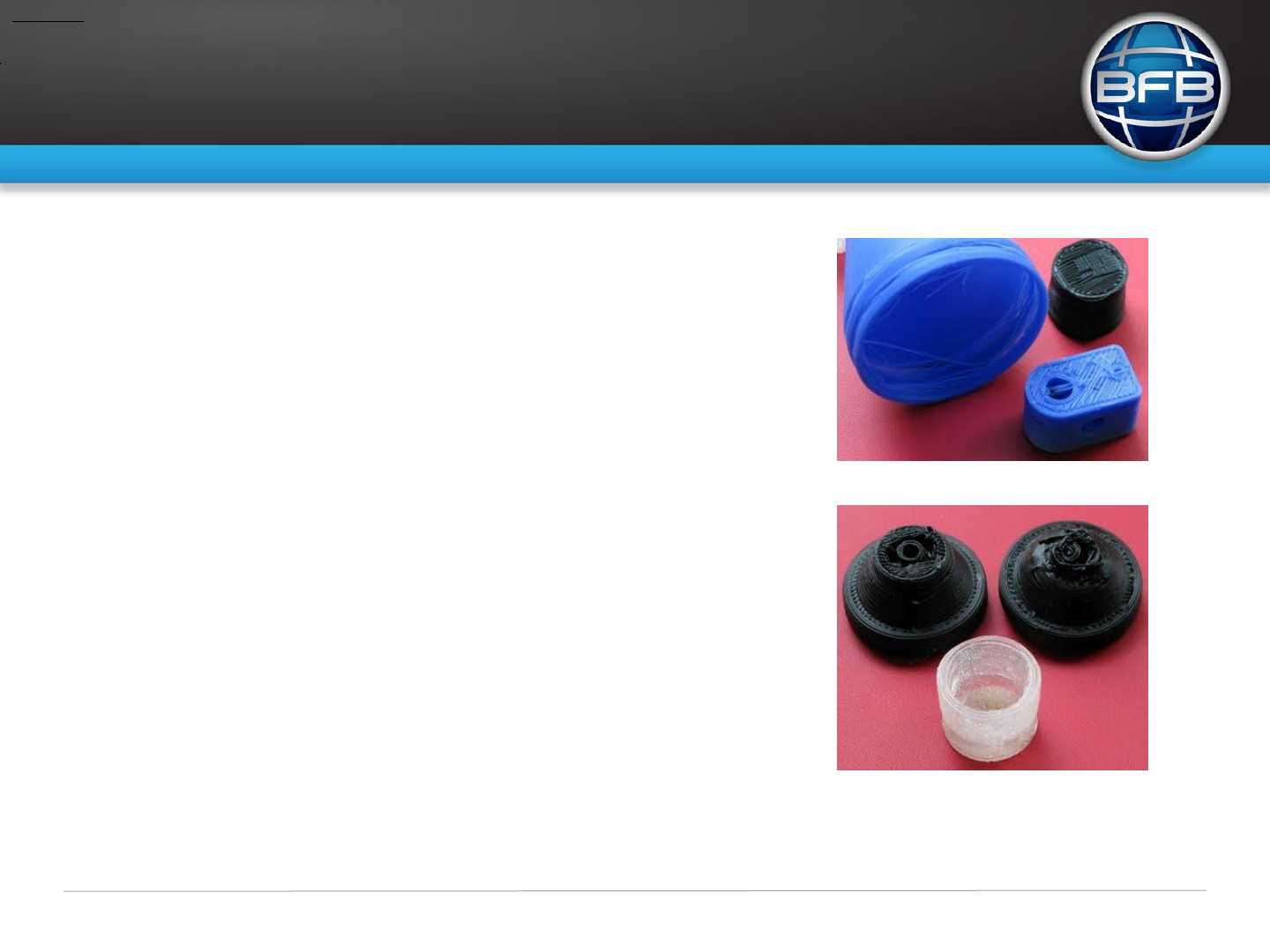
Too Cold
Too cold
The filament looks like it is wiry with strands that pop up from the raft, inter
layer adhesion is poor or non-existent.
Too Hot
This is harder to diagnose. You might find you can build the object completely
especially if the object is small. Generally speaking the characteristic of too high
temperature is the layers melt into one another too much, fine detail in the shape is
hard to maintain and the object is likely to exhibit more warping. The easiest way to
diagnose this is to print a test object that has a fine stem, like the wine glass.
Print speed greater then Extrusion rate
This pulls the filament thinner. If you intend to run like this you must make allowance for it in
Skeinforge, set the layer thickness to a lower value in direct proportion.
Page view 54
1 2 ... 50 51 52 53 54 55 56 57 58 59 60

Comments to this Manuals

No comments